Smart Paddock Pulse - Creating A Property
To create a new property, you need to have permissions to administrate your business. If you believe you’re missing these permissions, please contact support@smartpaddock.com and we’ll sort it out.
This must be done on a computer/ desktop/ laptop*
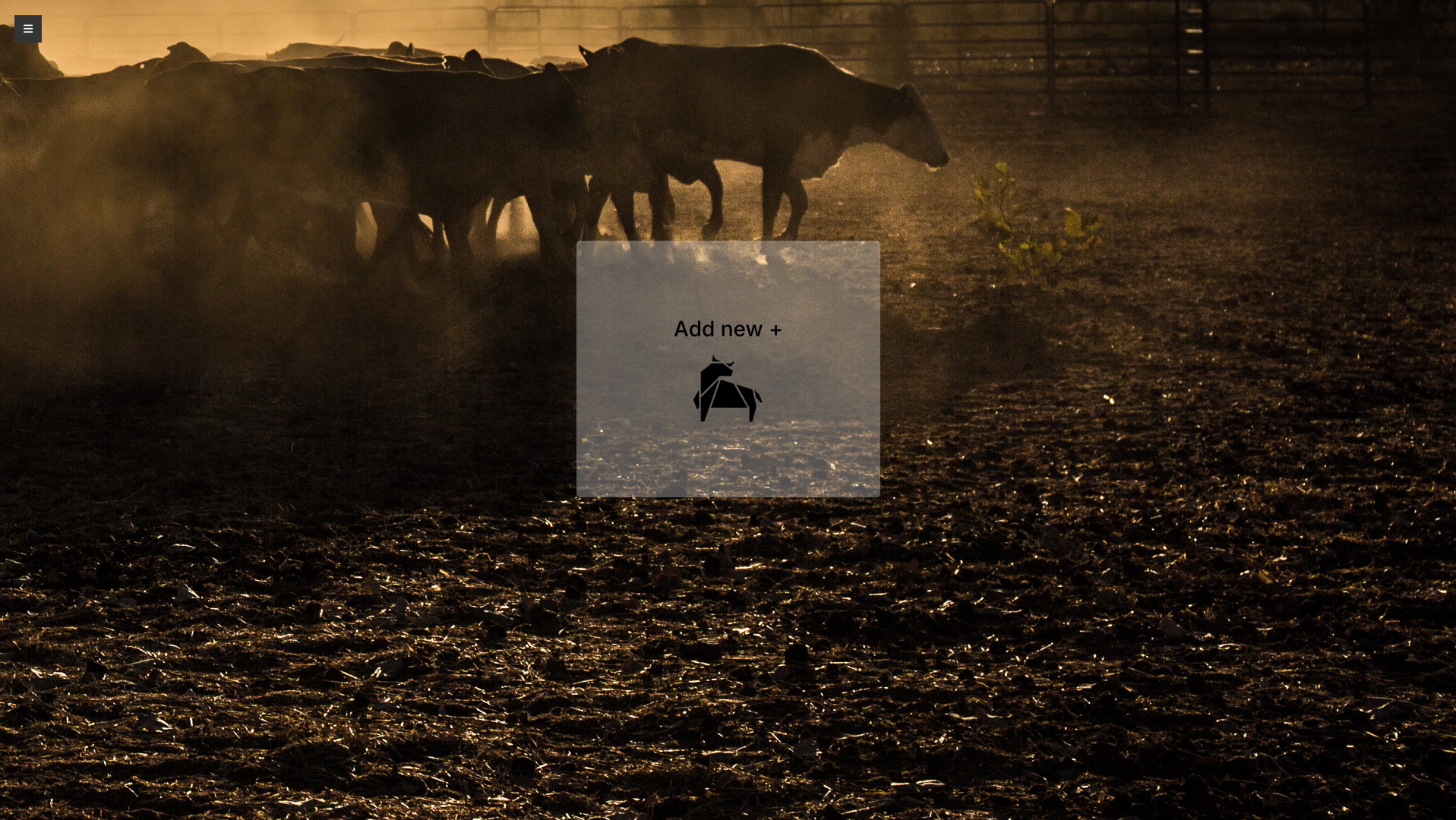
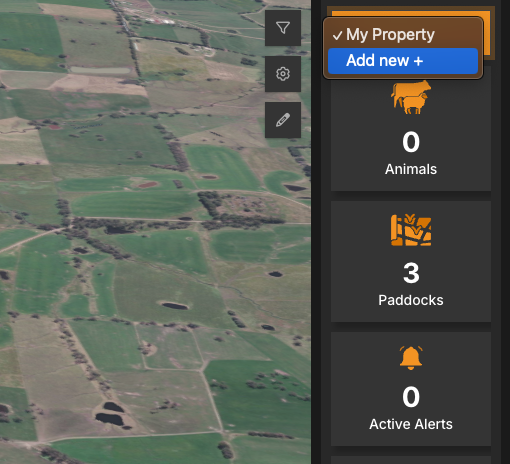
From the properties landing page or under the properties dropdown, click “Add new +” to be taken to the Add New Property screen.
Enter your property details
Enter your property’s name and identifier, then use the address search bar to find your property on the map.
For Australian properties, there should be a specific PIC to use.
For International properties, you can write anything as a property identification description.
Draw your property boundary
Using the pen tool, trace the boundary of your property by clicking each time you want to add a point. To finish drawing the boundary, double-click on the final point. To make changes to the boundary click on it to highlight it. While highlighted you can move any of the points or add new points by clicking halfway between any two points. To remove a point, simply right-click on it.
If the property boundary is appearing as red, it means that the boundary is invalid. A boundary must not intersect with itself and it must encapsulate every paddock that has been defined.
Draw your Paddocks
Using the pen tool, trace the boundary of each paddock property by clicking each time you want to add a point. To finish drawing the boundary, double-click on the final point. At this point a text input will appear for you to type in the paddock’s name. Hit “Enter” once you’re done.
To make changes to a paddock boundary or rename a paddock click on it to highlight it. While highlighted you can move any of the points or add new points by clicking halfway between any two points. To remove a point, simply right-click on it.
If the paddock boundary is appearing as red, it means that the boundary is invalid. A boundary must not intersect with itself and it must be within the property boundary.
To delete a paddock, click on it and then hit “Delete” or click the trash icon in the top right.